01 / SIGNAL
Carrier scope and waterfall
Watch carrier movement, lock confidence, level, SNR, and a compact waterfall while listening.
Receive-only PSK signal terminal
PhosphorPSK listens to nearby receiver audio, visualizes the carrier, shows a waterfall, and keeps decoded session text in a local logbook.
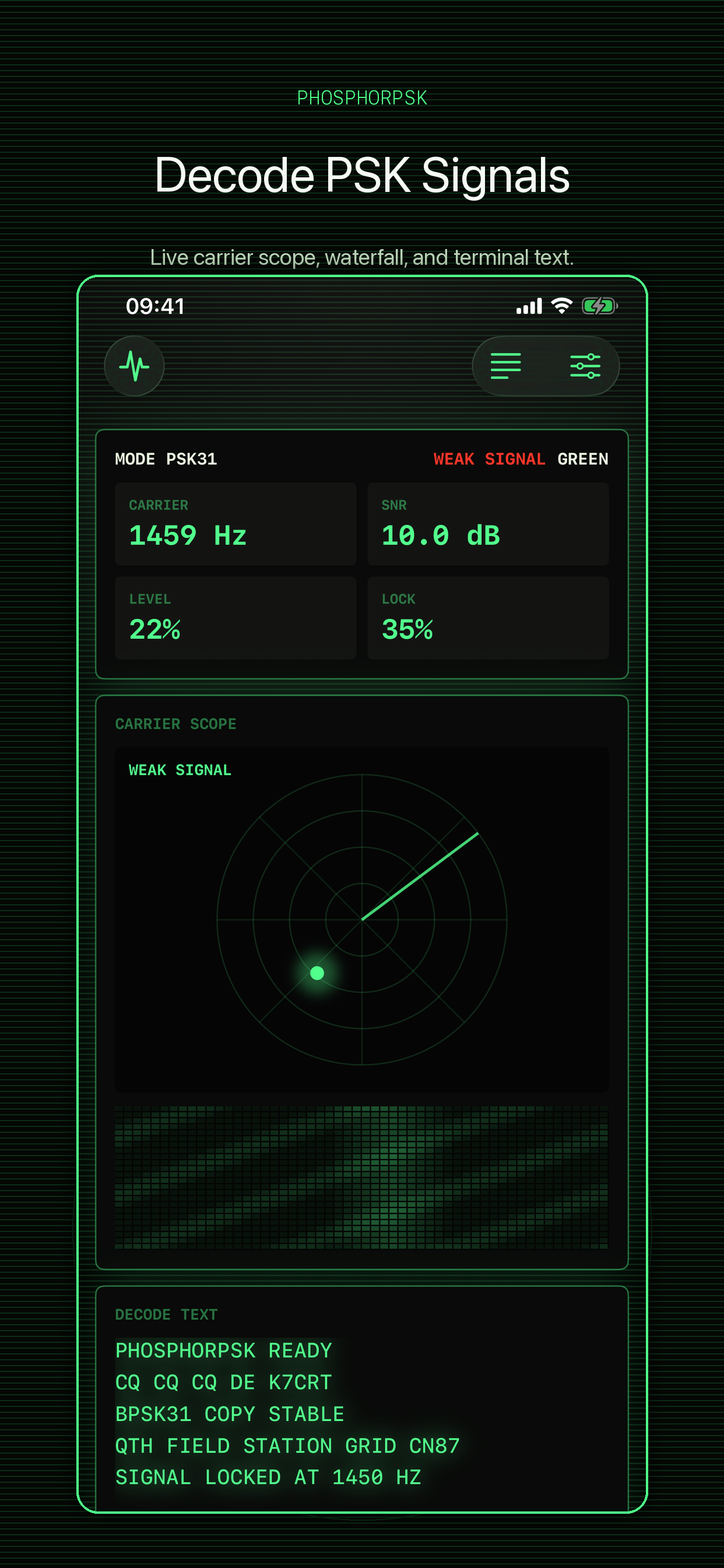
The interface keeps scope, waterfall, lock state, and decoded text in one continuous view so the operator can stay with the signal.
Watch carrier movement, lock confidence, level, SNR, and a compact waterfall while listening.
Switch between common PSK modes, adjust input gain, and trim the manual carrier when needed.
Decoded captures stay on device and can be searched, deleted, copied, or shared by the user.
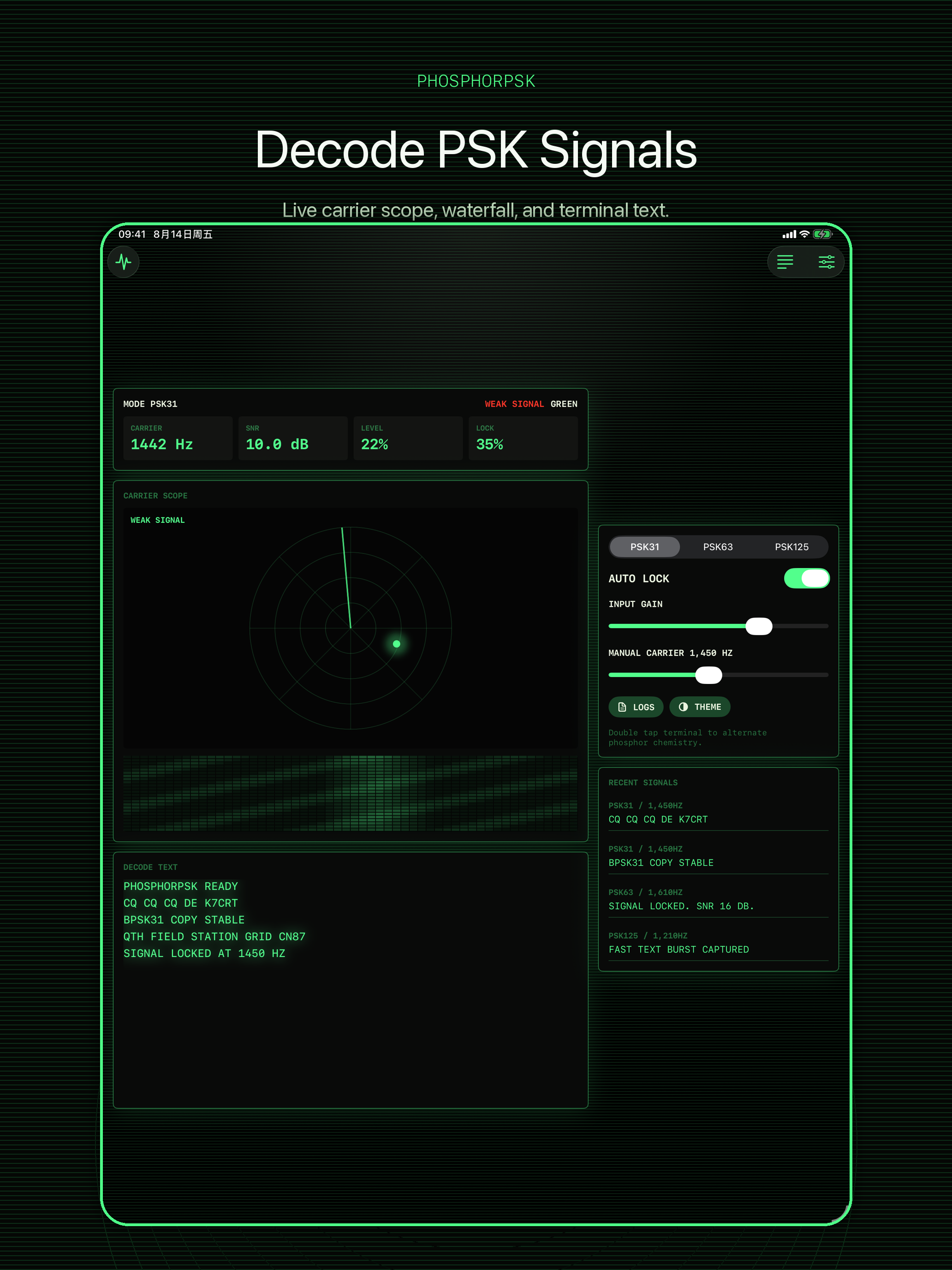
STEP 01STEP 02STEP 03Green and amber phosphor themes keep the app visually clear without turning it into a generic utility screen.
Main terminal with carrier scope, waterfall, and decode text.
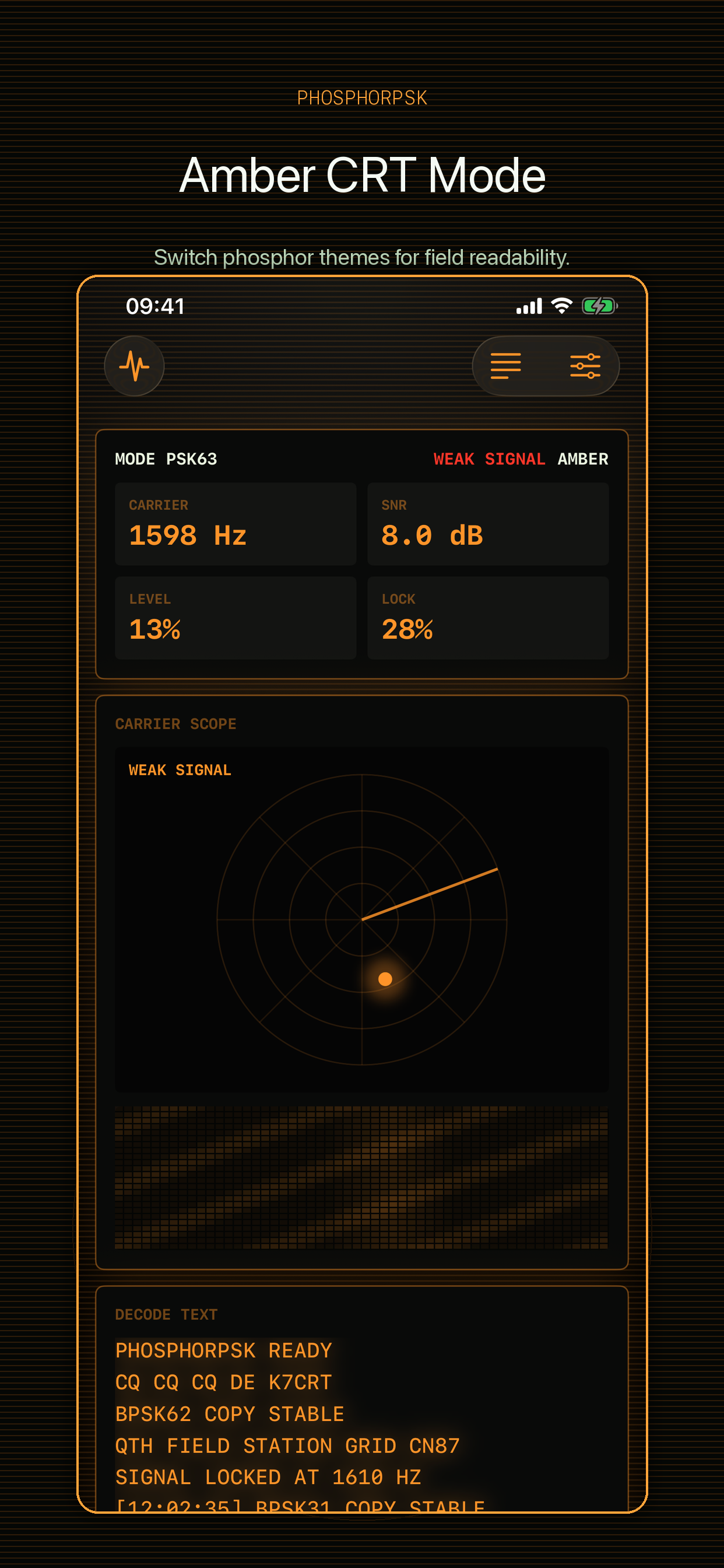
Amber phosphor mode for alternate viewing conditions.
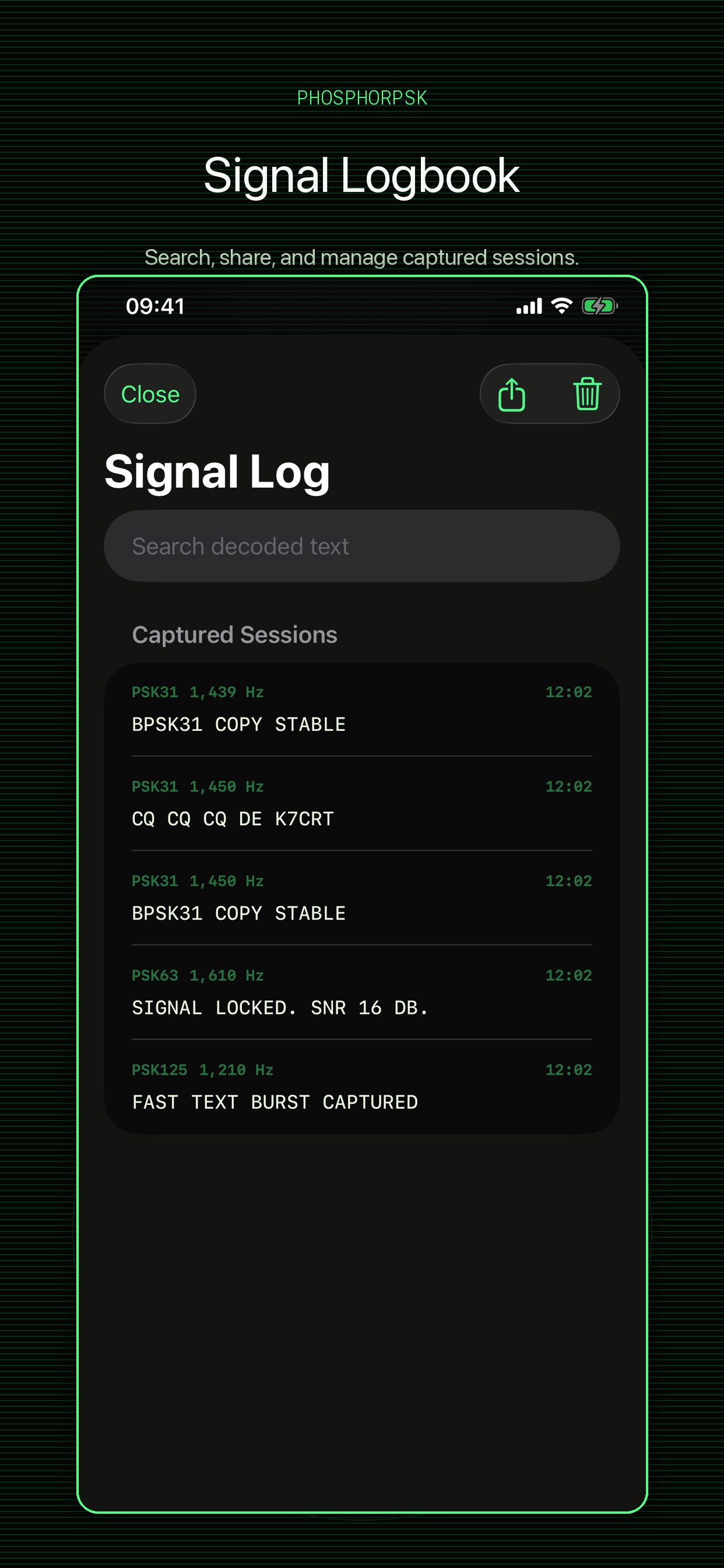
Signal Log keeps captured sessions searchable and shareable.
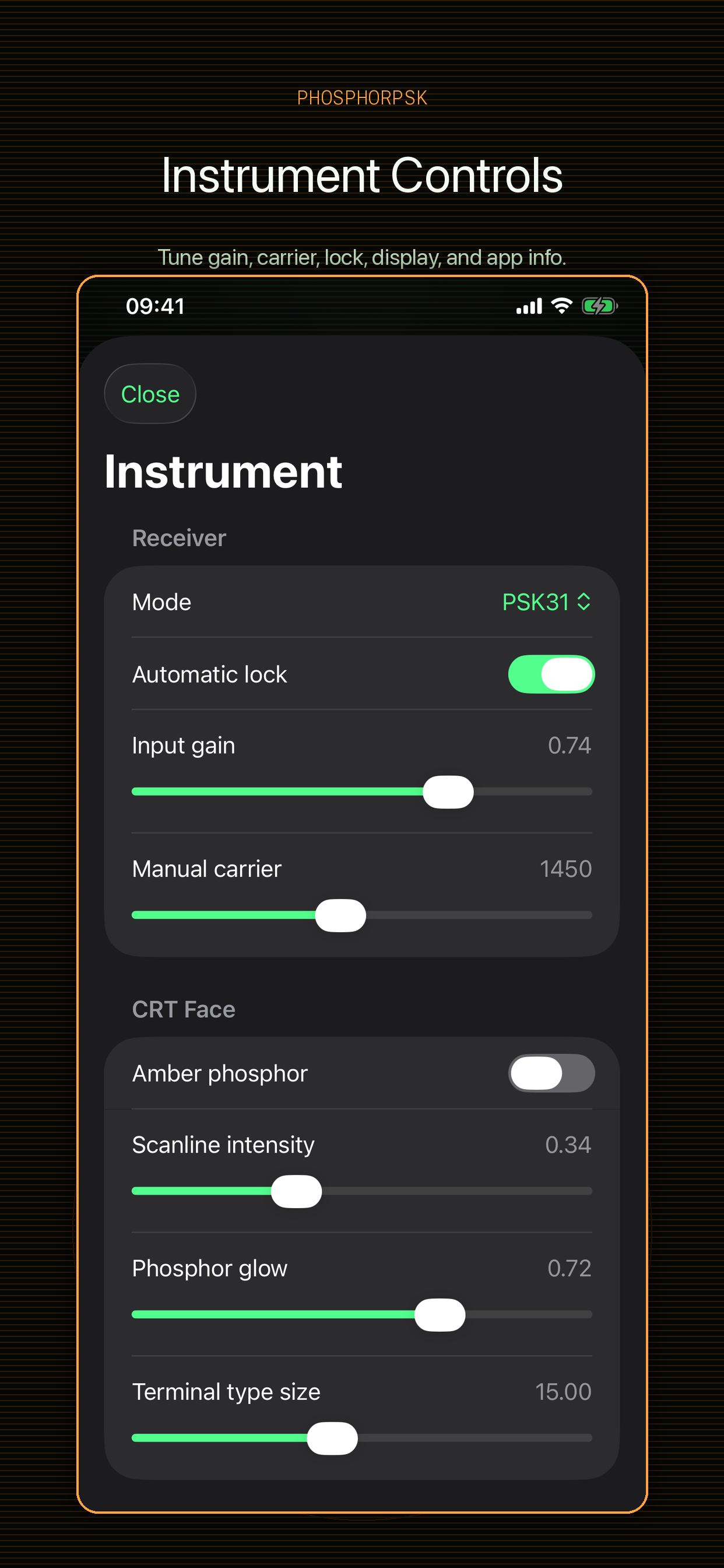
Instrument drawer contains receiver, display, log, and app controls.
No account is required. PhosphorPSK is designed around local listening and local records.
Email badelihasan4@outlook.com for support questions, bug reports, or review assistance.
Version 1.0.0. Universal iPhone and iPad. Read the Privacy Policy.